
If you want to sell digital products, 2026 is a great time to start. People buy planners, templates, ebooks, and printables online every day — and each was created once and sold thousands of times. There is no inventory to pack, no shipping to pay, and no boss to answer to.
This guide explains what digital products are, which ones sell best for beginners, where to sell them, and a 7-step roadmap to your first sale. By the end of this guide, you will know exactly which product to make first, where to list it, and how to get it in front of your first buyers. Learning to sell digital products is one of the highest-leverage skills a beginner can build in 2026.
What Are Digital Products (and Why They Sell So Well in 2026)
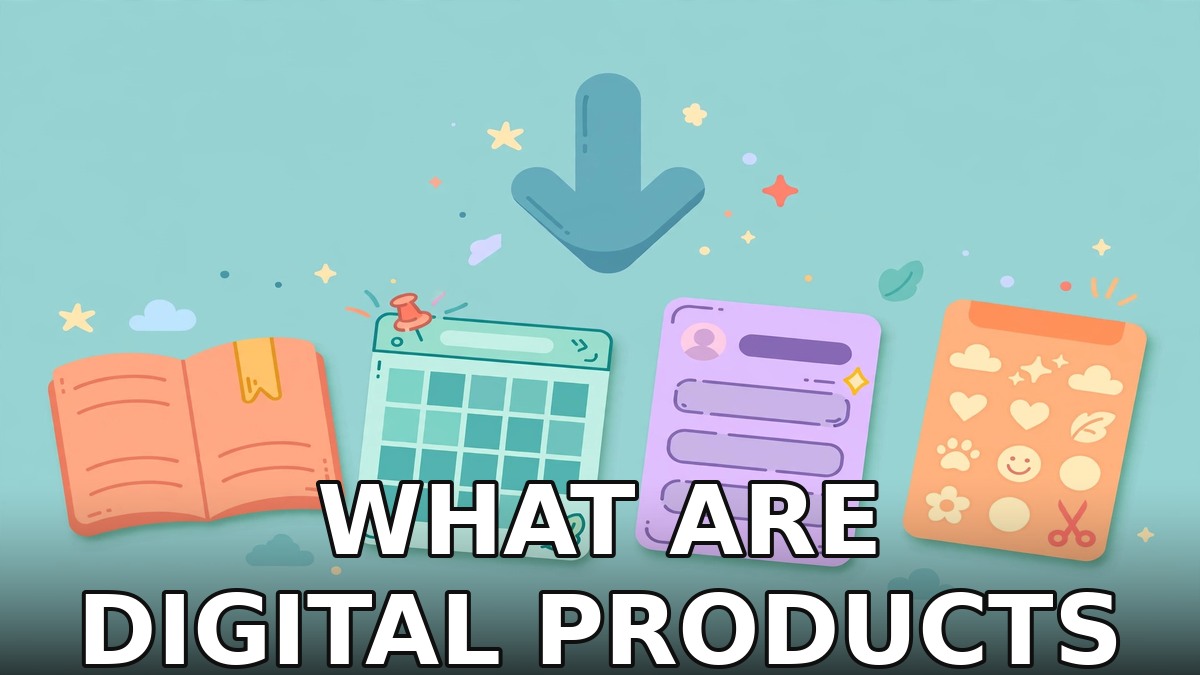
A digital product is something a customer downloads or accesses online after paying — no physical item ever changes hands. Once you upload the file, the marketplace handles delivery and you collect the money.
Common types include:
- Printables — wall art, planners, checklists, chore charts, party decorations (the biggest beginner category)
- Templates — resume templates, social media templates, budget spreadsheets, Notion planners
- Ebooks and guides — short how-to guides on topics you know (meal prep, budgeting, dog training)
- Digital planners — dated and undated planners for GoodNotes and iPad apps
- Design assets — fonts, icons, stock photo packs, Lightroom presets, website themes
- Online courses and workshops — video lessons packaged around one specific skill
- Music and audio — beats, sound effects, guided meditations
The pattern is always the same: create it once, list it, and sell it on repeat — which is why digital products pair so well with affiliate marketing as an owned product alongside other people’s offers.
Best Digital Products to Sell for Beginners in 2026
Start where demand is proven and the skill barrier is low:
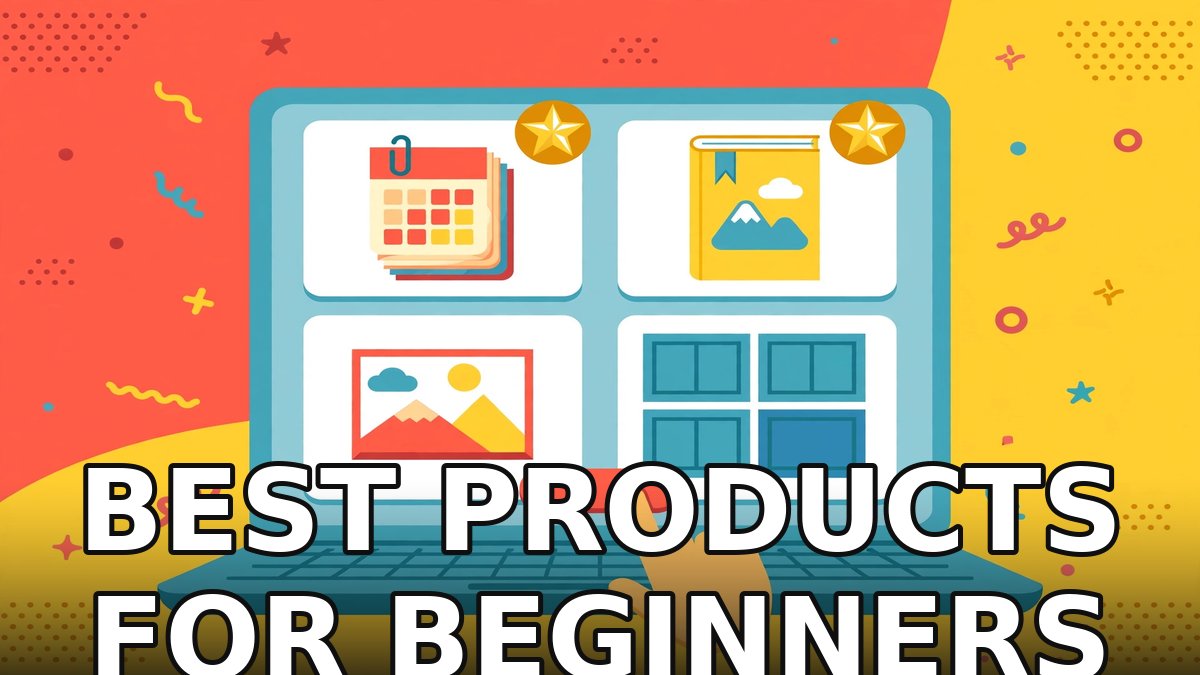
Printables and planners. The undisputed king of beginner digital products — budget planners, wedding planners, habit trackers, kids’ activity sheets. Buyers search in huge volume on Etsy, and you can make them with free tools like Canva.
Resume and job-search templates. A clean, modern resume template that lands more interviews is worth $10–$25. If you have ever helped a friend fix their resume, you already have the skill.
Social media templates. Small businesses pay for done-for-you Instagram templates, real-estate flyers, and pricing guides they can edit in Canva. Great if you have any design instinct.
Spreadsheets and trackers. Budget trackers, debt payoff calculators, wedding budget sheets. People pay to skip building these themselves — a good spreadsheet sells for $8–$20.
Short ebooks and guides. A focused 30–50 page guide solving one problem. Your experience with budgeting, cooking, or fitness is enough raw material.
Digital stickers and iPad planners. Digital planning is a real subculture, and digital stickers for GoodNotes sell in bundles at low prices with high volume.
The golden rule: pick a product tied to a problem you personally understand. If you budget every month, you can make a better budget planner than a random seller. Buyers feel the difference. That personal edge is what helps beginners sell digital products consistently.
Where to Sell Digital Products Online
You do not need your own website on day one — start on a marketplace that already has buyers. Pick one marketplace to sell digital products on before you expand to others:
Etsy — the largest marketplace for printables, planners, and templates. Huge built-in traffic; the trade-off is fees and competition. Best for visual products.
Gumroad — simple and cheap (a flat percentage per sale), great for ebooks, courses, and digital downloads of all kinds. Less built-in traffic, so you drive your own buyers.
Creative Market — premium marketplace for design assets (fonts, templates, graphics). Higher prices, more curated. Good once you have polished design work.
Your own site (later) — platforms like Shopify (Shopify’s guide to digital products for a detailed overview) let you keep nearly the full sale price. This makes sense once you are doing steady volume and want to stop paying marketplace fees.
Pinterest and TikTok as traffic engines. Most successful sellers do not rely on marketplace search alone — they post free tips and mockups on Pinterest and TikTok that link back to their shop. One viral pin can move hundreds of units. Whichever platform you choose, the fastest way to sell digital products is to list where buyers already search.
How to Sell Digital Products: Your 7-Step Roadmap

- Pick ONE product idea with real demand. Search Etsy for your idea and check that sellers have reviews — reviews prove buyers exist. Enter a category that is already paying. That validation is what lets beginners sell digital products with confidence.
- Study the best sellers, then differentiate. Check the top 10 listings: their prices, and the #1 complaint in their reviews. Fix that complaint — more sizes, better instructions, a bonus file.
- Create it in a free tool. Canva handles 90% of beginner products; Google Sheets for spreadsheets, Notion for Notion templates. Spend no more than one weekend on version one.
- Make mockups that look real. Show the planner “on” an iPad, the wall art “in” a frame. Free mockup tools turn an okay listing into a great one.
- Write a title buyers actually search. “Budget Planner Printable, Monthly Finance Tracker, Debt Payoff Plan, Undated, US Letter + A4” beats “My Awesome Budget Planner.” Stack real search keywords.
- Price by the value of the outcome. A $9 budget planner that helps someone save $100 a month is a bargain. $8–$25 is the sweet spot for most beginner products.
- Launch, then promote for 30 days. Post one pin or short video per day showing the product solving its problem. Fix the listing that gets clicks but no sales — usually the price, the first mockup, or the title.
How Much Money Can You Make Selling Digital Products?
Be honest about the ramp: most beginners earn nothing in the first month. Then the compounding kicks in. A realistic trajectory:
- Month 1–2: 1–3 products listed, learning the platform. Often $0–$50/month.
- Month 3–4: 5–10 products listed, first reviews arriving. $100–$500/month.
- Month 6+: 15–30 products, social traffic working. $500–$2,000/month.
- Year 2: sellers with 50+ products commonly report $2,000–$5,000/month.
Twenty products at 10 sales a month and $12 each is $2,400 a month — from products made months ago. Margins run 85–95% after fees. The bottleneck is never the market; it is the size of your catalog. That is the math that lets ordinary beginners sell digital products full-time.
Mistakes to Avoid When You Sell Digital Products
Avoid these seven mistakes if you want to sell digital products profitably in your first year.
- Making products nobody searched for. Creating what you wish existed instead of what buyers already buy. Validate demand on Etsy search first.
- Copying best sellers pixel for pixel. You will get reported and banned — and copycat products sell badly anyway.
- Launching with one product and waiting. One product is a lottery ticket. Ten targeted products is a shop. Plan several launches in your first 60 days.
- Weak mockups and titles. Most buyers never open the description — the title and first image do all the selling.
- Pricing at $2 to get sales. Bargain buyers leave the worst reviews and the thinnest margins. Price fairly ($8–$25) and sell the outcome.
- Ignoring marketplace SEO. Etsy listings rank in Google too. Keywords in the title and tags are your free traffic.
- Quitting after 30 days. Digital products are a catalog business. Sellers who push through the slow first month are the ones posting income screenshots in month six.
Sell Digital Products: Quick Q&A
Do I need design skills to sell digital products?
No. Top-selling printables are clean, simple designs made in Canva — templates and mockups do most of the heavy lifting.
How much does it cost to start selling digital products?
Almost nothing. Etsy charges a small listing fee plus fees when you sell; Gumroad takes a percentage only when you sell. Your main investment is 20–40 hours of your time to build your first few products.
What sells best: Etsy or Gumroad?
Etsy for printables, planners, and visual templates — millions of buyers are already searching there. Gumroad for ebooks, courses, and anything where you drive your own traffic from social media. Many sellers use both to sell digital products to different audiences.
How long does it take to get your first sale?
With a validated product, good mockups, and daily promotion on Pinterest or TikTok, many beginners sell within 2–4 weeks of listing. Without promotion it can take months — marketing, not quality, is usually the bottleneck.
Do I have to pay taxes on digital product income?
Yes. In the US this is self-employment income — set aside 25–30% of profit for taxes and keep records of every sale. Rules vary by country.
Keep Reading
- Affiliate Marketing for Beginners: How It Actually Works (2026 Guide)
- 15 Legit Side Hustles With No Money (2026 Guide)
- How to Start Freelancing With No Experience (Step-by-Step 2026 Guide)
- How to Start a Blog and Make Money (2026 Guide)
This article is for educational purposes only and is not financial advice. Do your own research and consider speaking with a qualified professional before making financial decisions.